
Call: 07971191126
 Send Inquiry
 Send Inquiry
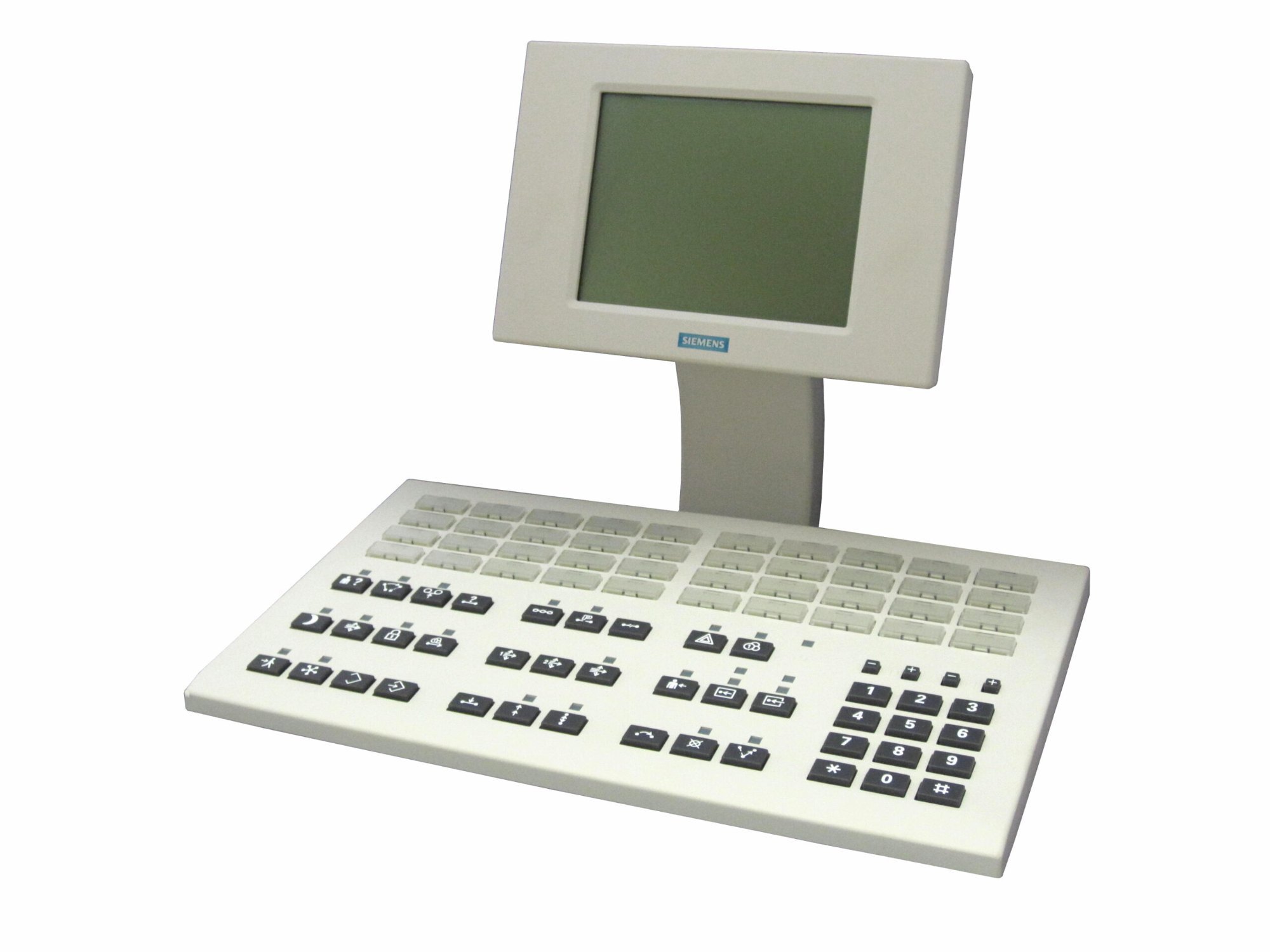
Ac4 Console / Operator Console For H4000
Price 277900.0 INR/ Piece
MOQ : 1 Piece
Ac4 Console / Operator Console For H4000 Specification
- Type
- Operator Console
- Material
- Plastic and Metal
- Voice Mail
- Supported
- Use
- Operator Console for H4000
- Screen
- LCD Display
- Caller ID
- Yes
- DND Feature
- Available
- Support
- Multi-line Support
- Button Type
- Mechanical Push Buttons
- Caller Transfer
- Yes
- Power
- AC Mains
- Weight
- Approx. 2 kg
- Color
- Black
- Interface
- Wired
- Mounting
- Desktop
- Line Capacity
- Up to 24 Lines
- Compatibility
- H4000 Series PBX
- Operating Temperature
- 0C to 45C
- LED Indicators
- Yes
- Dimensions
- 300 mm x 210 mm x 60 mm
- Ringing Modes
- Selectable
Ac4 Console / Operator Console For H4000 Trade Information
- Minimum Order Quantity
- 1 Piece
- Supply Ability
- 30 Pieces Per Month
- Delivery Time
- 7 Days
- Main Domestic Market
- Andaman and Nicobar Islands, Andhra Pradesh, Madhya Pradesh, Tamil Nadu, Meghalaya, West Bengal, Lakshadweep, South India, Punjab, Maharashtra, Jharkhand, Gujarat, Uttar Pradesh, Rajasthan, Mizoram, Telangana, Bihar, Nagaland, Dadra and Nagar Haveli, Daman and Diu, Goa, Manipur, Chandigarh, Central India, Haryana, North India, Delhi, Arunachal Pradesh, Sikkim, Odisha, Karnataka, Chhattisgarh, East India, All India, Kerala, Uttarakhand, Tripura, Assam, Pondicherry, West India, Himachal Pradesh, Jammu and Kashmir
About Ac4 Console / Operator Console For H4000
Manufacturer Siemens,Category:Consoles & ACWIN,Product Code:S30807-H5478-X16Key FeaturesSiemens AC4 Console (S30807-H5478-X16)
Keypad for the AC4 Console - an internal/external voice connection switch for the Hipath 4000, Hicom 300E & Hicom 300H systems.
The attendant console AC4 S30807-H5478-X with a U P0/E interface for the Hicom 300E is the central inquiry point of the telephone system which enables the mediation of external and internal connections according to the user's wishes.
Specifications
Control unitGraphic LC-display
Pluggable handset
The control panel includes a 12-part keypad
29 function- and programmable keys for the Hicom performance features
24 LEDs serve as status indications on the function- and programmable keys
40 free programmable keys for external and internal subscribers
Two keys for the adjustment of volume and call-signaling
Additional connectable devices:
HeadsetVoice recorder
Blind-terminal
Second headset
Compatible with the following systems:
Hicom 300E starting at V2.0Hicom 300H
HiPath 4000
Delivery Includes
As illustratedHandset cord
Efficient Call Management
The Ac4 Operator Console simplifies multi-line call handling for businesses using the H4000 Series PBX. Its desktop design and LED indicators allow operators to quickly identify and manage incoming calls, boosting operational efficiency in fast-paced environments.
Tailored for the H4000 Series
Seamlessly compatible with all H4000 Series PBX systems, the Ac4 Console ensures easy integration and stable communication. Its selectable ringing modes and line capacity-up to 24 lines-enable flexible call management for expanding companies.
FAQ's of Ac4 Console / Operator Console For H4000:
Q: How is the Ac4 Console installed on a desktop?
A: The Ac4 Console is designed specifically for desktop mounting. Simply place it on a stable surface close to your H4000 PBX system and connect the required cables as per the supplied user manual for straightforward installation.Q: What is the line capacity of the Ac4 Console and how does it benefit my business?
A: The console supports up to 24 separate lines, allowing operators to efficiently manage a high volume of calls. This capacity is ideal for businesses with extensive communication needs, such as exporters, importers, and service providers.Q: When should LED indicators be checked on the Ac4 Console?
A: LED indicators should be regularly observed during operation to monitor line status. These lights provide instant visual feedback on the status of each line, ensuring no important or emergency call is missed.Q: Where is the Ac4 Console most effectively used?
A: The Ac4 Console is best suited for offices, call centers, and dispatch environments in Germany or similar markets where the H4000 PBX system is in use. Its compact size fits neatly on desktops, optimizing space utilization.Q: What is the process for changing ringing modes on the Ac4 Console?
A: You can select the ringing modes through a simple interface on the console, allowing operators to customize alert sounds based on shift schedules or preferences, ensuring calls are not overlooked during busy periods.Q: How does compatibility with the H4000 Series PBX enhance usage?
A: Because it is fully compatible with the H4000 Series, the Ac4 Console integrates directly with your existing system, eliminating the need for additional adapters or modifications. This ensures reliable performance and reduces setup time.Q: What are the key benefits of using this console in a wholesale or service provider environment?
A: For wholesalers and service providers, the Ac4 Console streamlines communication by centralizing multi-line operations. Its reliability, ease of use, and high line capacity support improved coordination and faster response times.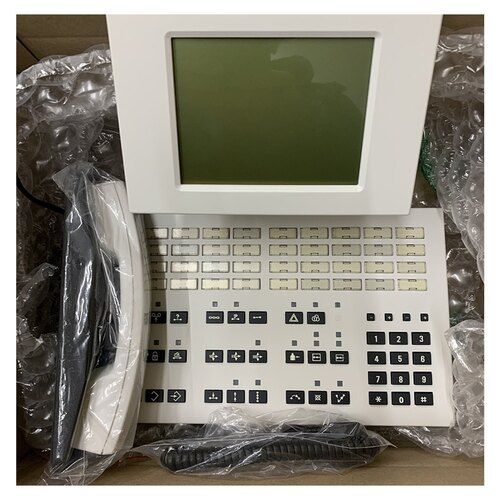
Tell us about your requirement

Price:
Quantity
Select Unit
- 50
- 100
- 200
- 250
- 500
- 1000+
Additional detail
Mobile number
Email

More Products in EPABX Phone Category
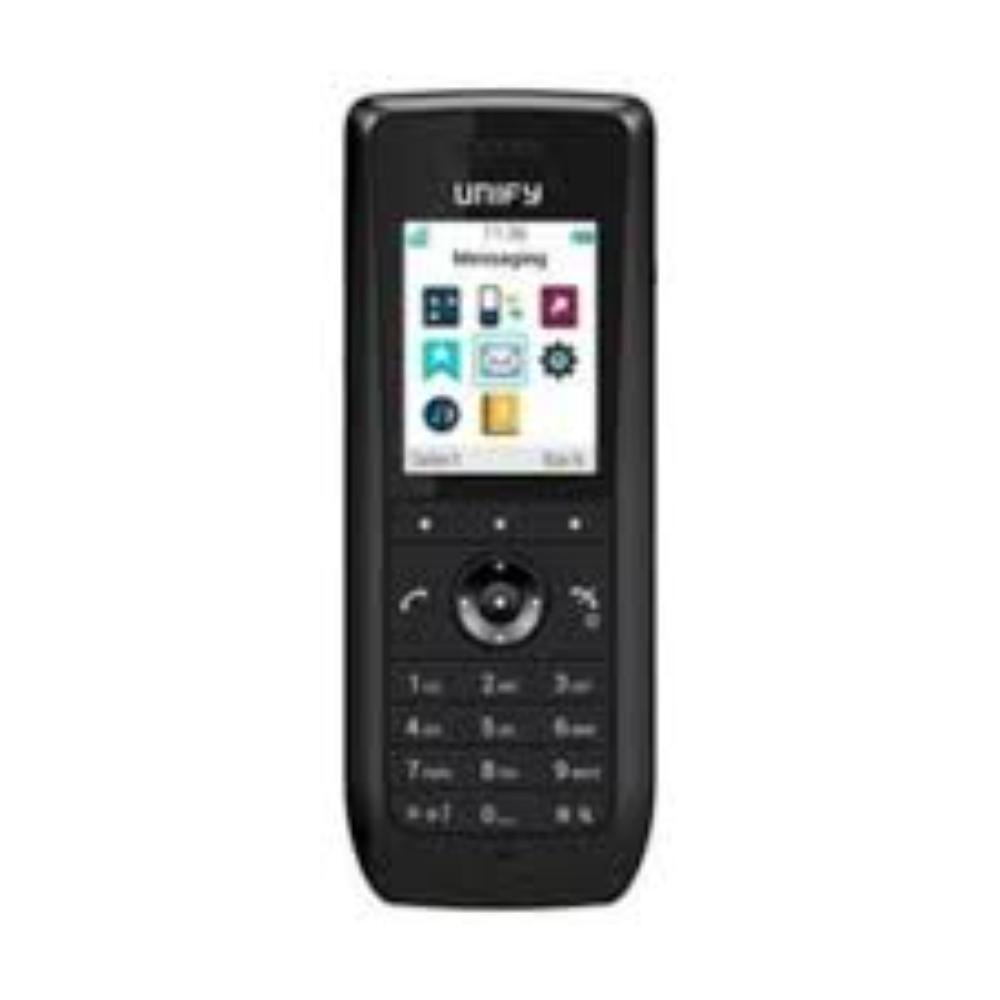
WLAN Phone WL4
Price 52000.0 INR / Unit
Minimum Order Quantity : 1 Unit
Weight : 135 Grams (g)
Color : Black
Type : Caller ID Phone
Material : Metal
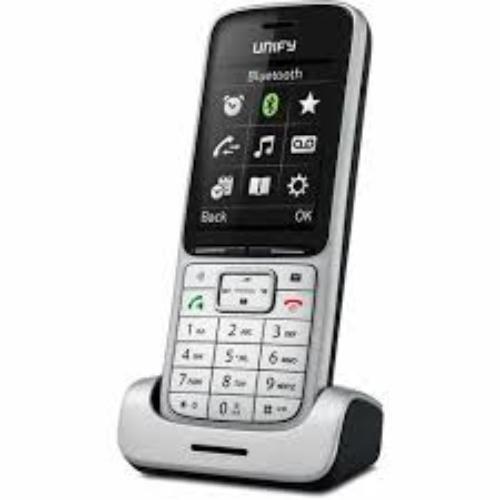
OpenScape SL5 Dect Phone
Price 16000.0 INR / Unit
Minimum Order Quantity : 1 Unit
Weight : Approx. 120 g with battery
Color : Silver
Type : Hotel Phone
Material : Highquality plastic casing
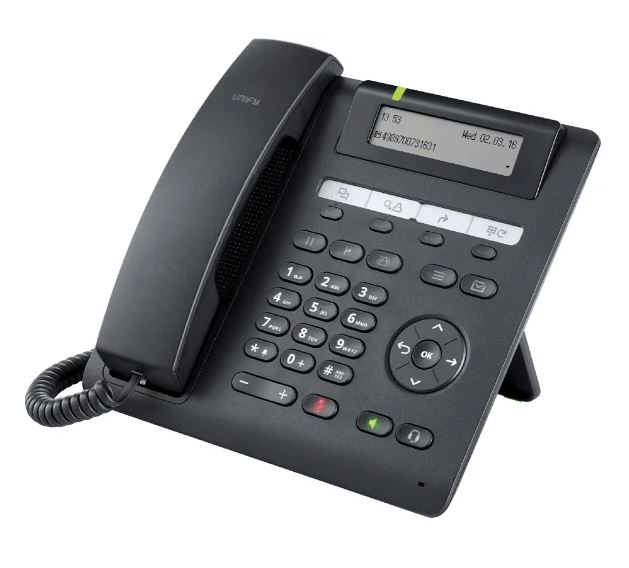
Unify Openscape Desk Phone CP205 HFA / SIP
Price 11000.0 INR / Number
Minimum Order Quantity : 1 Number
Weight : Approx. 640 g
Color : Black
Type : Other, IP Desk Phone
Material : Highquality durable plastic
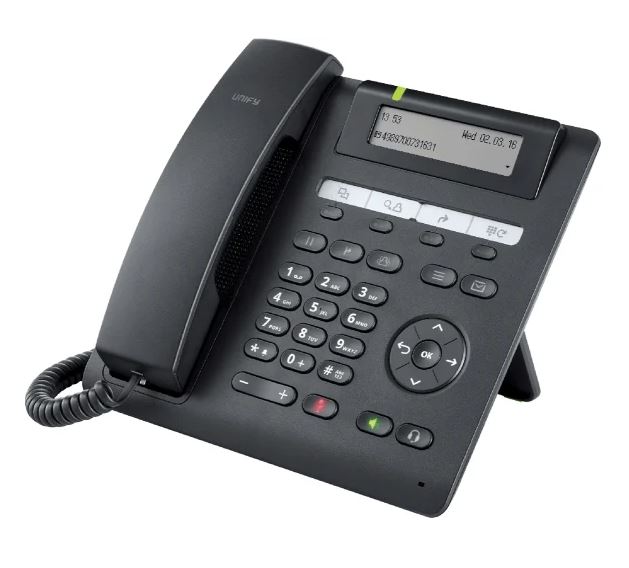
Unify Openscape Desk Phone CP200T
Price 18500.0 INR / Number
Minimum Order Quantity : 1 Number
Weight : Approx. 700g
Color : Black and silver
Type : Other, IP Desk Phone
Material : Premium grade plastic body with matt finish

Contact Details
HEXA COMMUNICATIONS PRIVATE LIMITED
GST : 27AADCH0194G1ZP
- C-328, Shanti Shopping Center, Opp: Mira Road Railway Station, Mira Road East,Mira Bhayandar - 401107, Maharashtra, India
- Phone :07971191126
 Send Inquiry
Developed and Managed by Infocom Network Private Limited.


