
Call: 07971191126
 Send Inquiry
 Send Inquiry
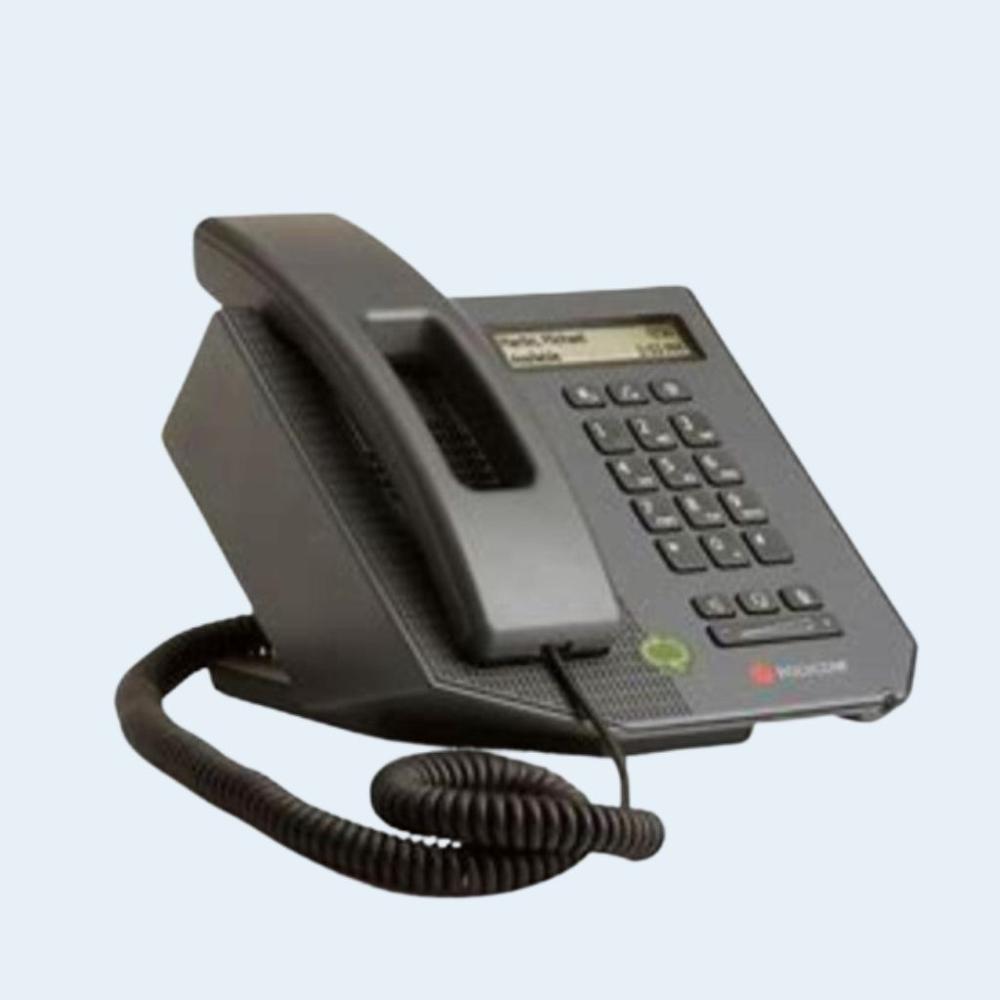
Polycom CX300 IP Phone
Price 15500.0 INR/ Unit
MOQ : 1 Unit
Polycom CX300 IP Phone Specification
- Usage & Applications
- Offices, Call Centers, Business Communication
- Type
- Hotel Phone
- Material
- ABS Plastic
- Screen
- LCD Display
- Caller ID
- Yes
- DND Feature
- Yes
- Button Type
- Push Button
- Caller Transfer
- Yes
- Power
- USB Powered Volt (v)
- Weight
- 1 Kilograms (kg)
- Color
- Black
- Interface
- USB
Polycom CX300 IP Phone Trade Information
- Minimum Order Quantity
- 1 Unit
- Supply Ability
- 50 Units Per Month
- Delivery Time
- 10 Days
About Polycom CX300 IP Phone
The Polycom CX300 is a compact USB IP phone designed for desktop and office communication. It delivers clear audio quality and seamless integration with PC-based communication applications, making it ideal for professional and business use.
With a simple plug-and-play USB connection, the Polycom CX300 allows users to handle calls directly from their computer. Its durable design and user-friendly interface make it suitable for offices, call centers, and enterprise environments.
Seamless USB Connectivity
With a straightforward USB interface, the Polycom CX300 IP Phone offers instant connection to your computer, eliminating the need for external power adapters. This design ensures effortless installation and flexibility for use across multiple workstations and business environments.
Feature-Rich Communication
The device incorporates advanced features such as caller ID, call transfer, and a Do Not Disturb mode, allowing users to manage calls efficiently. Its LCD screen provides real-time information, making it simple to handle various communication tasks.
FAQ's of Polycom CX300 IP Phone:
Q: How is the Polycom CX300 IP Phone powered and set up?
A: The Polycom CX300 connects to your computer via USB and is USB powered, enabling a quick and hassle-free setup without the need for additional power outlets.Q: What are the main benefits of using the Polycom CX300 in business environments?
A: Its intuitive push-button interface, LCD display, and robust call management features optimize workflow, reduce missed calls with DND, and deliver professional-grade communication, ideal for offices and call centers.Q: When should I use the DND (Do Not Disturb) feature?
A: Activate the DND feature during meetings or focused work periods to prevent interruptions from incoming calls, ensuring minimal distractions and enhanced productivity.Q: Where can the Polycom CX300 IP Phone be effectively deployed?
A: This phone is best suited for offices, call centers, business communication setups, and hospitality contexts like hotels, thanks to its durability and user-friendly functions.Q: What process is involved in transferring calls on this device?
A: With its caller transfer feature, you can seamlessly redirect incoming calls to another extension by following the on-screen LCD prompts and using the push-button controls.Q: How does the device support communication for service providers and wholesalers in India?
A: The Polycom CX300 offers reliable communication, making it suitable for exporters, importers, suppliers, and service providers who require consistent and clear call handling capabilities.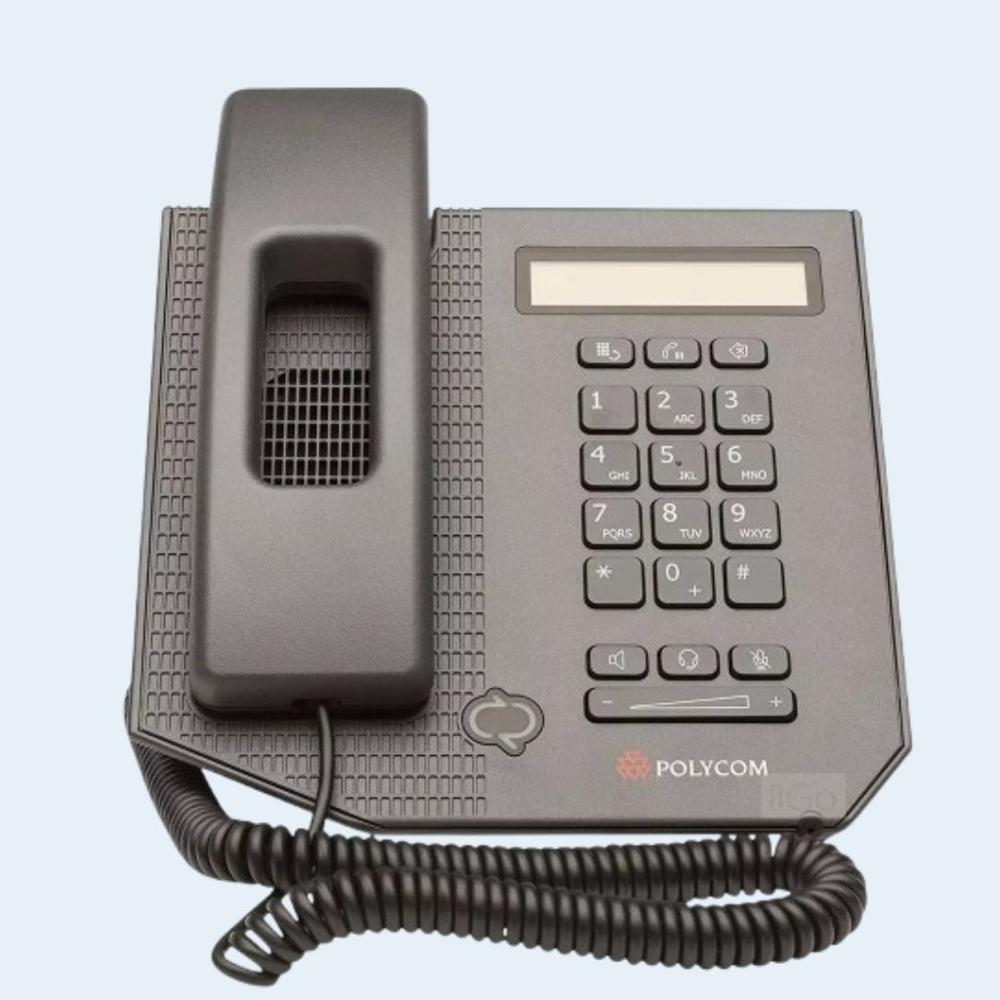
Tell us about your requirement

Price:
Quantity
Select Unit
- 50
- 100
- 200
- 250
- 500
- 1000+
Additional detail
Mobile number
Email

More Products in IP Phones Category
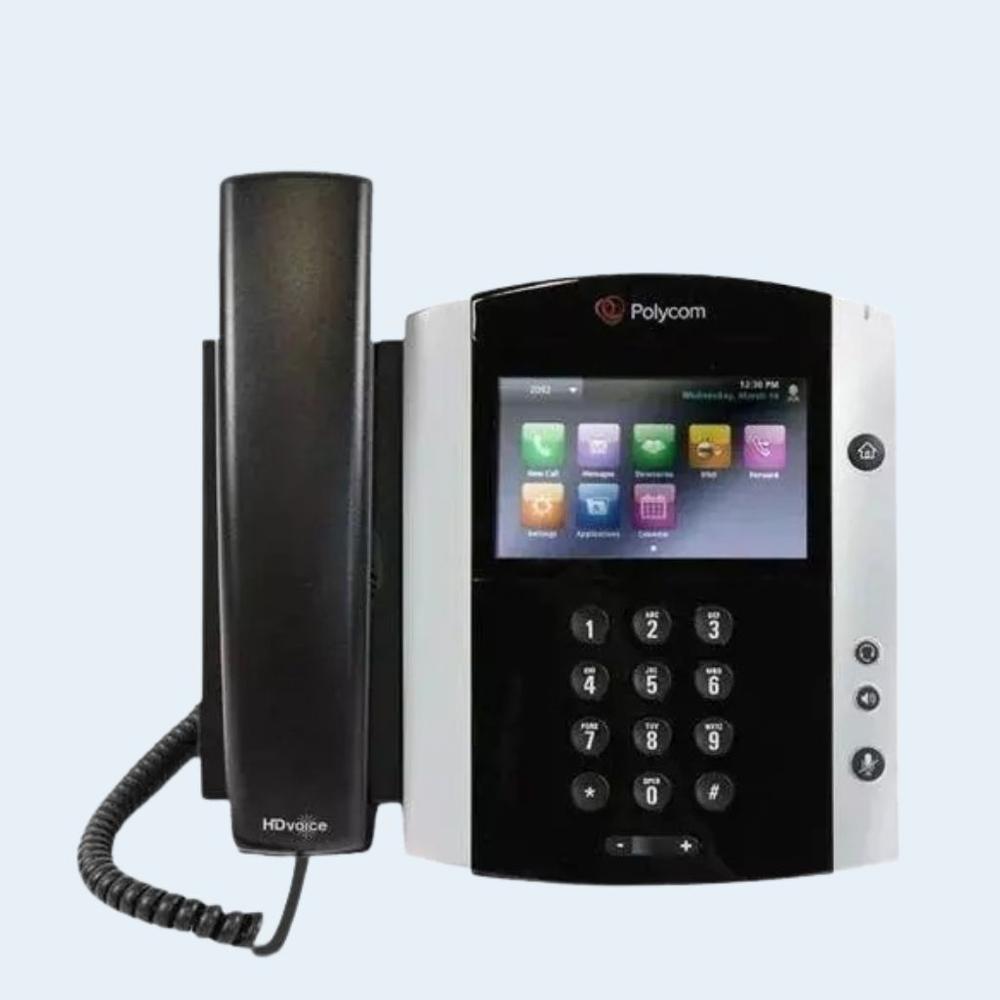
polycom vvx 600
Price 18400.0 INR / Unit
Minimum Order Quantity : 1 Unit
Color : black
DND Feature : Yes
Interface : Ethernet (LAN)
Type : Hotel Phone
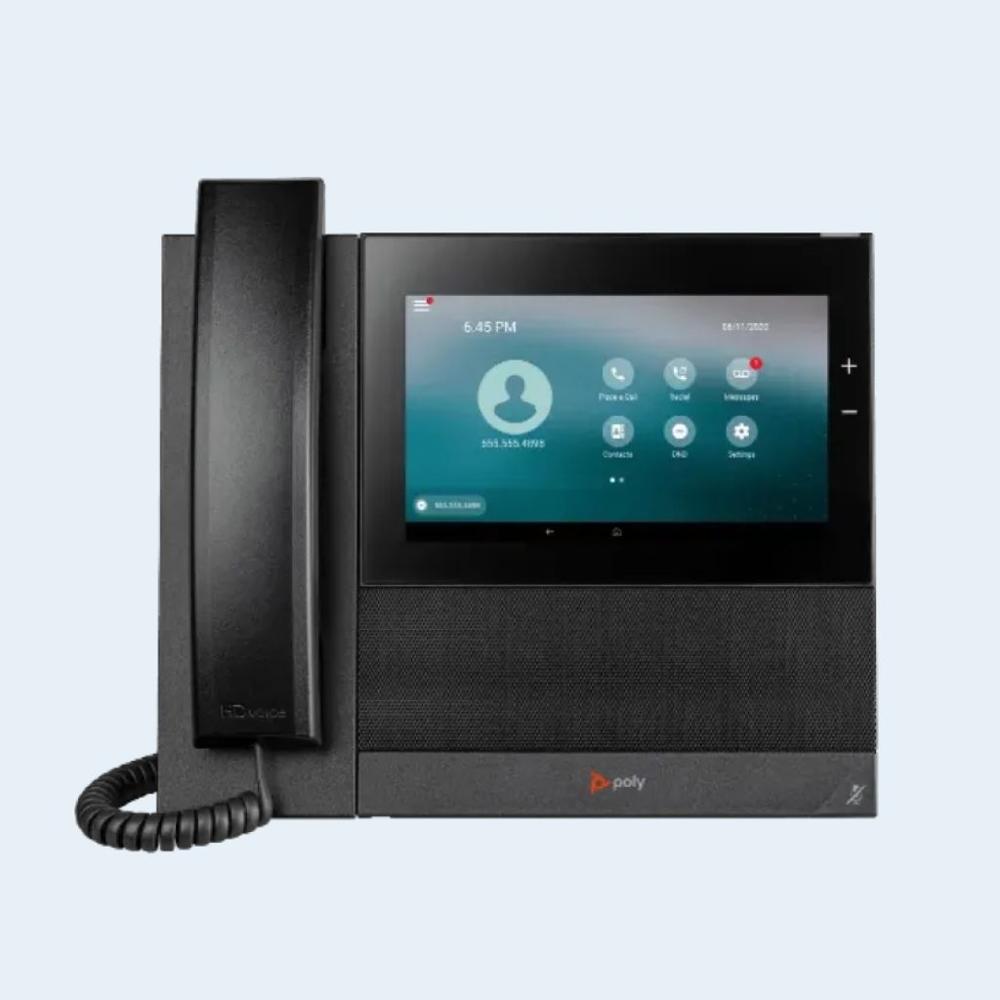
poly ccx 600
Price 35000.0 INR / Unit
Minimum Order Quantity : 1 Unit
Color : black
DND Feature : Yes
Interface : Ethernet (LAN), USB
Type : Caller ID Phone
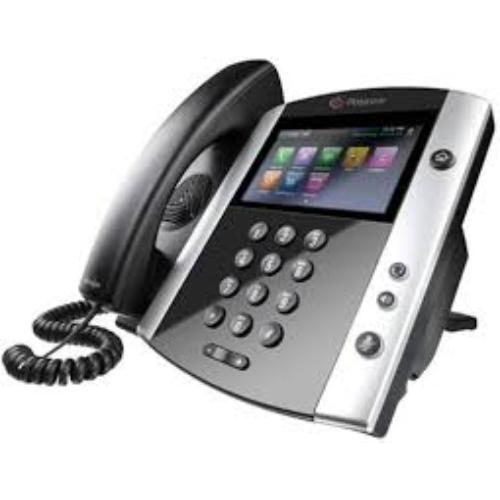
Polycom VVX 501 Phone
Price 18700.0 INR / Unit
Minimum Order Quantity : 1 Unit
Color : Black with silver finish
Interface : Dualport Gigabit Ethernet, USB 2.0, RJ9 headset port
Type : Other, Business Media Phone
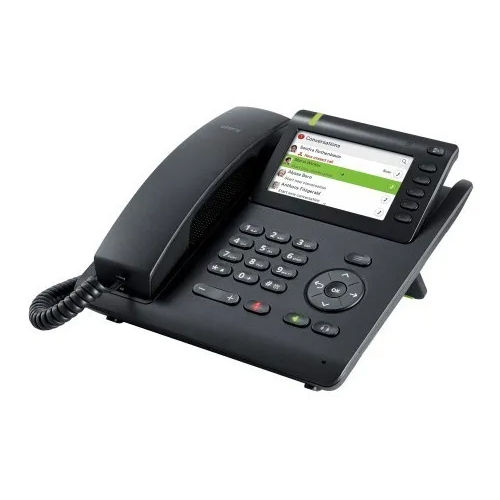
OpenScape CP600 IP Phones
Price 19200.0 INR / Unit
Minimum Order Quantity : 1 Unit
Color : Black
DND Feature : No

Contact Details
HEXA COMMUNICATIONS PRIVATE LIMITED
GST : 27AADCH0194G1ZP
- C-328, Shanti Shopping Center, Opp: Mira Road Railway Station, Mira Road East,Mira Bhayandar - 401107, Maharashtra, India
- Phone :07971191126
 Send Inquiry
Developed and Managed by Infocom Network Private Limited.


