
Call: 07971191126
 Send Inquiry
 Send Inquiry
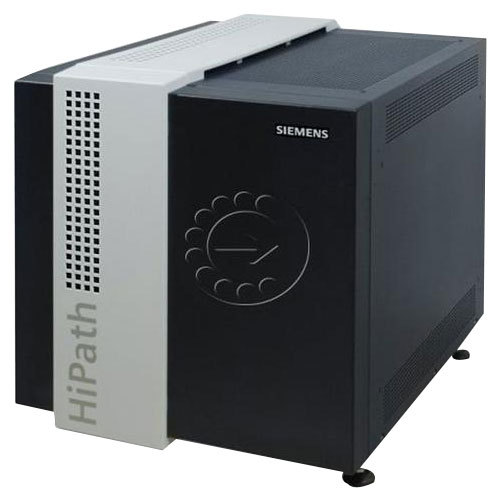
Siemens / UNIFY OpenScape X8 system down support
Price 1.0 INR/ Piece
MOQ : 1 Piece
Siemens / UNIFY OpenScape X8 system down support Specification
- Features
- Redundancy, High availability, SIP support, Unified Communications, Modularity
- Model
- OpenScape X8
- Power Supply
- 110-240V AC, Dual redundant power supplies
- Operating Temperature
- +5C to +40C
- Shelf Life
- N/A (Non-perishable electronic equipment)
- Frequency
- 50/60 Hz
- Mounting Type
- Rack-Mount, Floor-Standing
- Battery Backup
- Supported (with optional UPS integration)
- Size
- Standard 19-inch rack mountable
- Interface Type
- Ethernet (10/100/1000BaseT), E1, T1, S0, Up0
- Range
- Enterprise-wide (campus and multi-site connectivity)
- Connectivity Type
- Analog, Digital, IP, SIP, ISDN, TDM
- Product Type
- Enterprise Communication Server (PBX)
- Application
- Telecommunication, Enterprise PBX systems
- Dimension (L*W*H)
- 600 x 430 x 730 mm
- Material
- Metal enclosure, electronic modules
- Weight
- Approximately 45 kg (fully equipped)
- Capacity
- Supports up to 384 digital trunks, 410 analog trunks, 8,192 IP users
- Coverage Area
- Supports up to 5,000 users/extensions
- Expansion Slots
- Up to 12 per mainframe
- Supported Protocols
- SIP, H.323, QSIG, DSS1, S0, Up0
- User Interface
- Graphical LCD on front panel, multilingual
- System Architecture
- Hybrid Supports both TDM and IP telephony
- Compliance
- RoHS, WEEE, EU Directives
- Security Features
- TLS/SRTP encryption, firewall integration, ACLs
- Management Interface
- Web-based management (OpenScape Assistant), SNMP, CLI
- Firmware Upgrade
- Remote firmware and software upgrade capability
- Redundancy Options
- Dual redundant CPUs, power supplies, network interfaces
- Alarm System
- Built-in diagnostic LEDs and SNMP traps
- Integration
- Compatible with Microsoft Exchange, LDAP, CRM systems
Siemens / UNIFY OpenScape X8 system down support Trade Information
- Minimum Order Quantity
- 1 Piece
- Payment Terms
- Cash Advance (CA)
- Supply Ability
- 50 Pieces Per Month
- Delivery Time
- 10 Days
- Main Export Market(s)
- Asia, Middle East, Africa
- Main Domestic Market
- All India
About Siemens / UNIFY OpenScape X8 system down support
Siemens / UNIFY OpenScape X8 System down Support..
- Software loading
- Hardware replacement
- Installation
- Annual Maintenance Contract
- Addon spares
- Spare advance replacement
- Repair of faulty modules
- Online Software Support
Hybrid System Architecture
OpenScape X8 combines traditional TDM and modern IP telephony, facilitating seamless integration across enterprise communications. This hybrid approach ensures organizations can evolve at their own pace while protecting previous investments in telephony infrastructure.
High Availability and Redundancy
The system is engineered for reliability, with dual redundant CPUs, power supplies, and network interfaces. These features provide uninterrupted service and minimize downtime, making the X8 ideal for mission-critical environments where continuous connectivity is essential.
Easy Management and Monitoring
Web-based management through the OpenScape Assistant, along with SNMP and CLI capabilities, allows for intuitive system administration and remote firmware upgrades. Diagnostic LEDs and SNMP traps facilitate proactive monitoring and rapid issue resolution.
Advanced Security Features
Security protocols such as TLS/SRTP encryption, firewall integration, and access control lists protect communication channels. This robust security suite helps maintain data confidentiality and system integrity throughout the enterprise.
FAQ's of Siemens / UNIFY OpenScape X8 system down support:
Q: How can I initiate support if my Siemens / UNIFY OpenScape X8 system goes down?
A: Support can be initiated by contacting your service provider or authorized Siemens / UNIFY support center. Ensure you provide details such as error indicators from built-in diagnostic LEDs, SNMP trap data, and recent management activities to help technicians pinpoint issues quickly.Q: What redundancy options help prevent system downtime with OpenScape X8?
A: OpenScape X8 is designed with dual redundant CPUs, power supplies, and network interfaces. These redundancies ensure that if one component fails, another takes over seamlessly, minimizing interruptions and ensuring high system availability.Q: When should I perform a remote firmware or software upgrade on the OpenScape X8 system?
A: Firmware and software upgrades should be scheduled during planned maintenance windows to prevent disruption to users. Always back up configuration data and verify compatibility before proceeding with any update to ensure a smooth process.Q: Where are the system's diagnostic and monitoring interfaces located?
A: Diagnostic and monitoring interfaces are accessible via the graphical LCD on the front panel and through SNMP traps, as well as remotely via the web-based OpenScape Assistant. The mainframe features built-in diagnostic LEDs for real-time status updates.Q: What is the process for integrating the OpenScape X8 with other enterprise systems?
A: Integration is facilitated through standard protocols (SIP, H.323, QSIG) and interfaces (Ethernet, E1, T1). The system supports seamless connectivity with Microsoft Exchange, LDAP, and CRM systems by configuring compatible modules and software interfaces according to enterprise requirements.Q: How does the OpenScape X8 benefit large-scale enterprise deployments?
A: With support for up to 8,192 IP users and extensive trunk/capacity options, OpenScape X8 is well suited for enterprise-wide or multi-site deployments. Features such as modular expansion, redundancy, and unified communications enable growth and reliable, integrated workflows.Q: Is battery backup available for the OpenScape X8 system?
A: Yes, the OpenScape X8 can be equipped with battery backup through optional UPS integration. This provides power continuity during outages, ensuring the system remains operational until utility power is restored.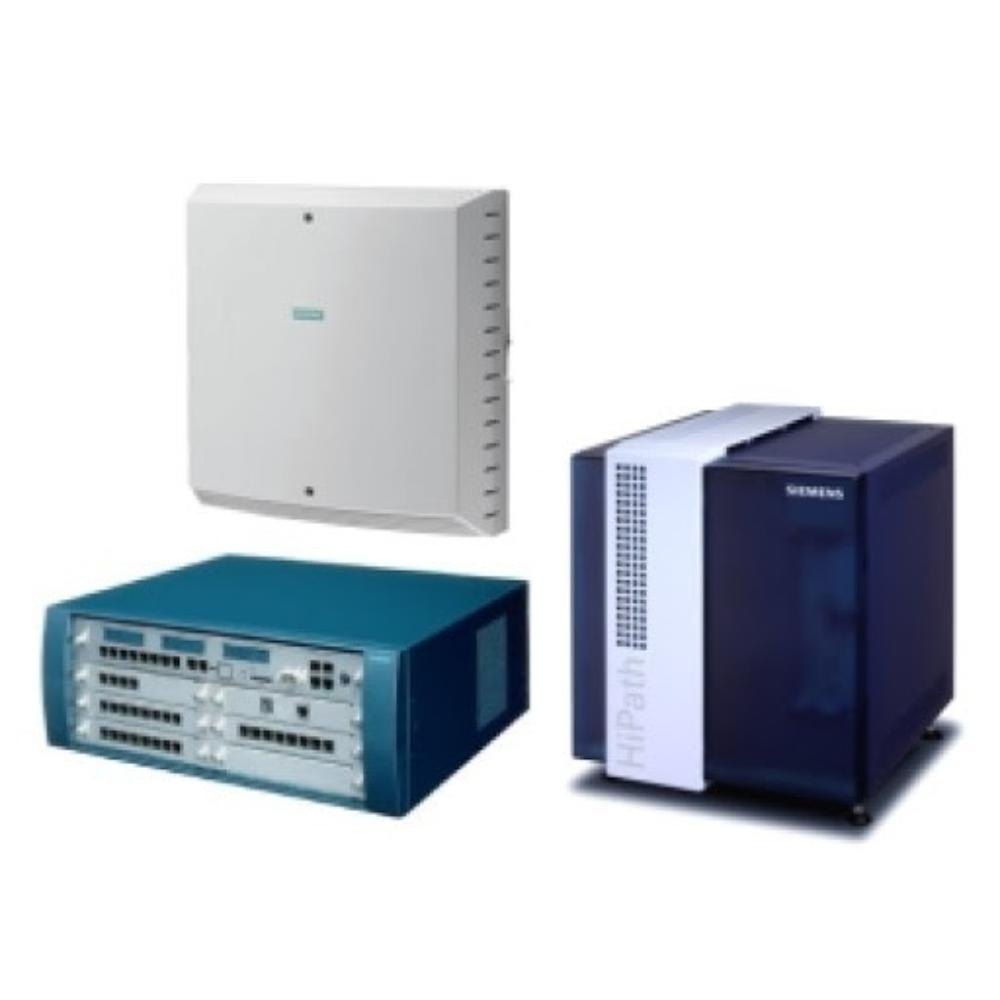
Tell us about your requirement

Price:
Quantity
Select Unit
- 50
- 100
- 200
- 250
- 500
- 1000+
Additional detail
Mobile number
Email

More Products in EPABX Modules Category
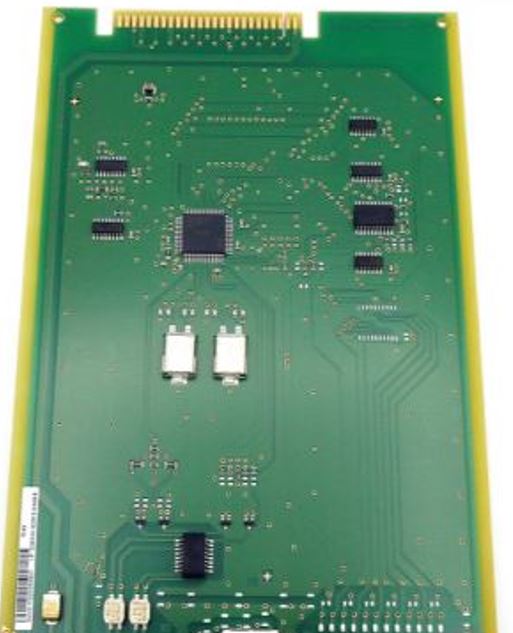
Siemens TS2N (S30810-Q2913-X300)
Price 25000.0 INR / Unit
Minimum Order Quantity : 1 Unit
Application : PBX telephone system equipment, industrial telephony integration
Material : Highgrade PCB with metal chassis
Product Type : Terminal Adapter Module
Power Supply : Powered via PBX backplane, low power consumption
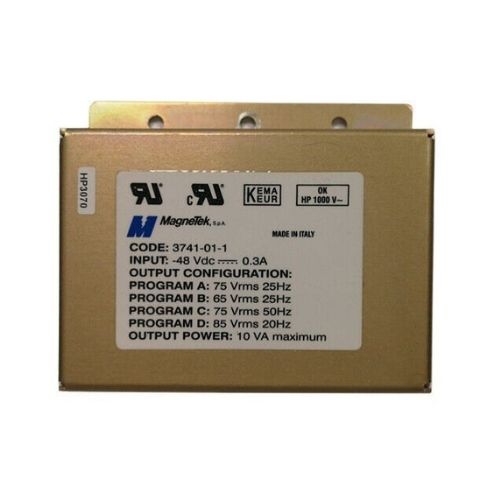
Siemens RG Module For Hicom / Hipath 4000/ S30122-K5929-X
Price 20000.0 INR / Unit
Minimum Order Quantity : 1 Unit
Application : For Hicom and Hipath 4000 Communication Systems
Material : Industrialgrade PCB and electronic components
Product Type : RG Module (Relay Group Module)
Power Supply : 24V DC, supplied via backplane
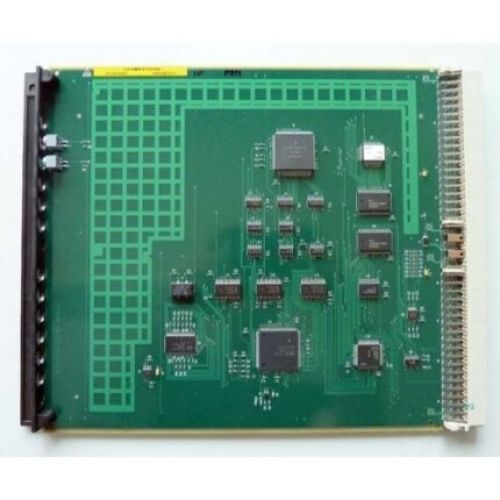
SIUX3 / S30810-Q2287-X
Price 29000.0 INR / Number
Minimum Order Quantity : 1 Unit
Application : Industrial Automation, Networking, Data Communication
Material : Plastic, Metal
Product Type : Communication Module
Power Supply : 24V DC
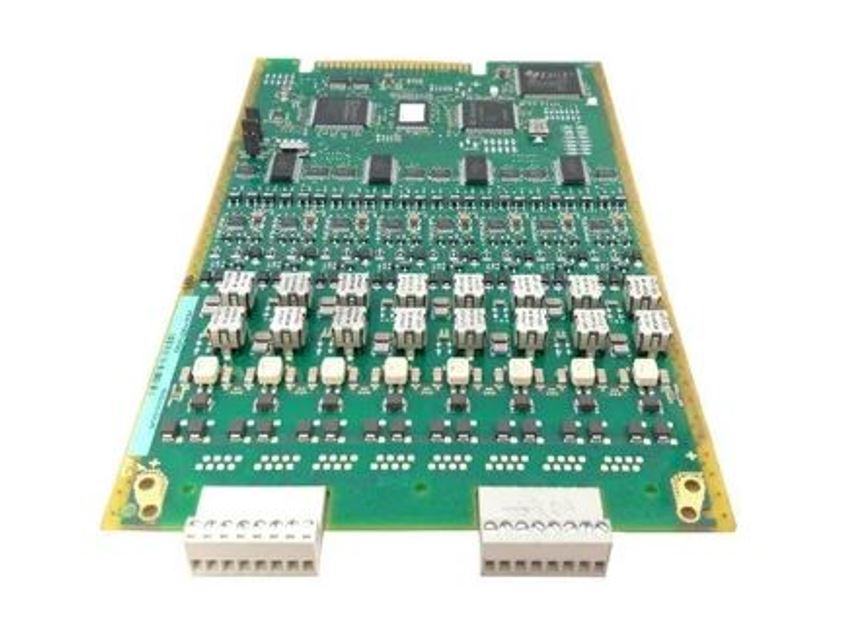
TLANI4(S30810-Q2953-X) SIEMENS / UNIFY
Price 24000.0 INR / Unit
Minimum Order Quantity : 1 Unit
Application : PBX systems, Enterprise telecommunication
Material : Highgrade PCB, Electronic components
Product Type : Analog Network Interface Card
Power Supply : Supplied via backplane/module slot

Contact Details
HEXA COMMUNICATIONS PRIVATE LIMITED
GST : 27AADCH0194G1ZP
- C-328, Shanti Shopping Center, Opp: Mira Road Railway Station, Mira Road East,Mira Bhayandar - 401107, Maharashtra, India
- Phone :07971191126
 Send Inquiry
Developed and Managed by Infocom Network Private Limited.


